3-7 Coffee Machine Example
The official Qt Coffee Machine Example is here
https://doc.qt.io/qt-5/qtdoc-demos-coffee-example.html
Qt 5.15 LTS Example
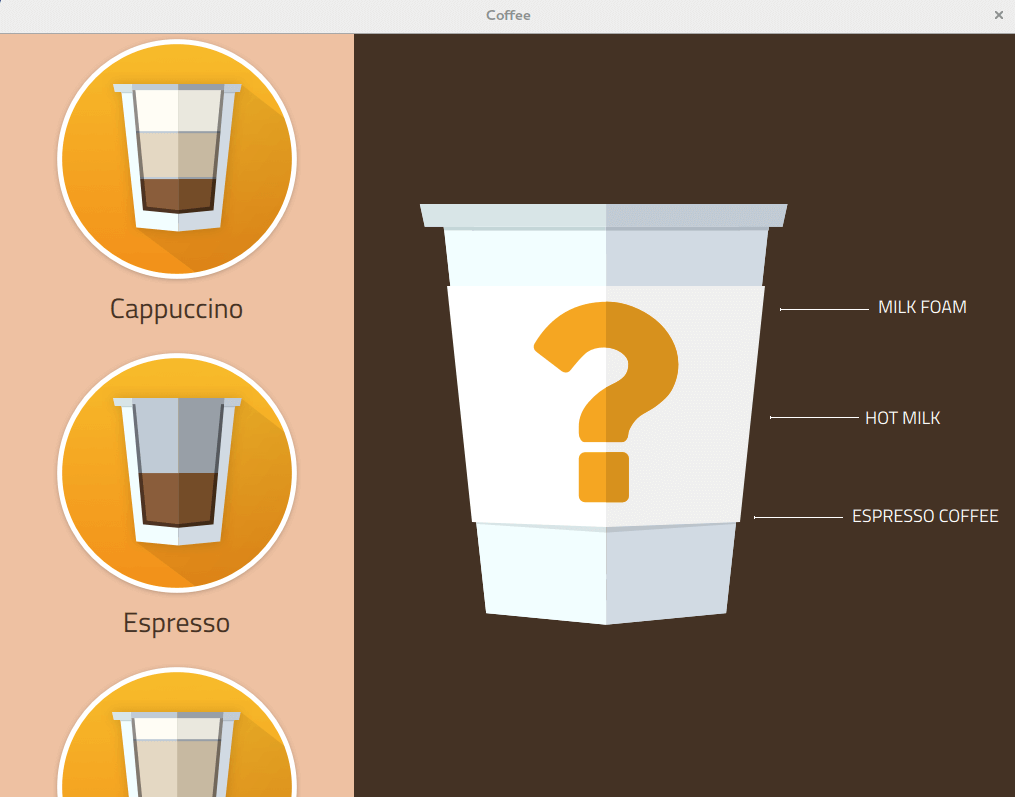
However, the above version can not be compilied successfully in the environment, please use the modified version below.
Download
git clone https://github.com/yourskc/moil_coffee.git
This example project is based on the examples of Qt5.12.10 with some modification that make it can
pass the compilation of Qt5.6.3, it has also been tested on Renesas RZ/G2L.
Build and Execution
Please follow the steps in 3-6 to compile and run the Coffee Machine project in Ubuntu 22.04
Transfer and Run on RZ/G2L
Also reference the steps in Section 3-6, Compile this project with RZ/G2L kits settings then transfer and run it on RZ/G2L
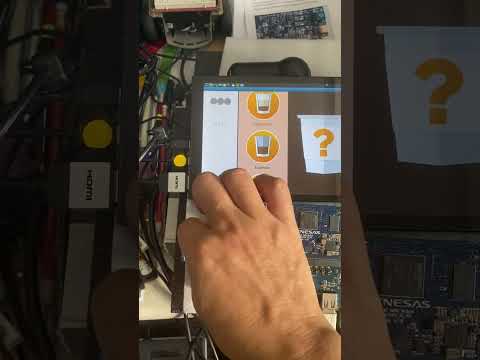
The operation of this project is not limit to mouse, you also can attach it with an touch screen, and control the UI just like a mobile device or smart device.
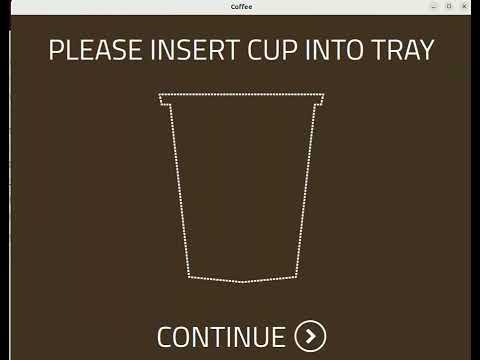
The demo video is as below,
Another demo using touchscreen,
The above is our Coffee Machine example. For the future development, we need to take time to pratice programming using QML/ Qt Quick. You also can reference to the use of the assets in this project, to make your own UI design.
Reference :