3-6 Build executables for RZ/G2L
After period of time of development and check on our PC, suppose now we would like to build a version running on Renesas RZ/G2L target board
First in the Qt Creator, Click on Projects on the left side,
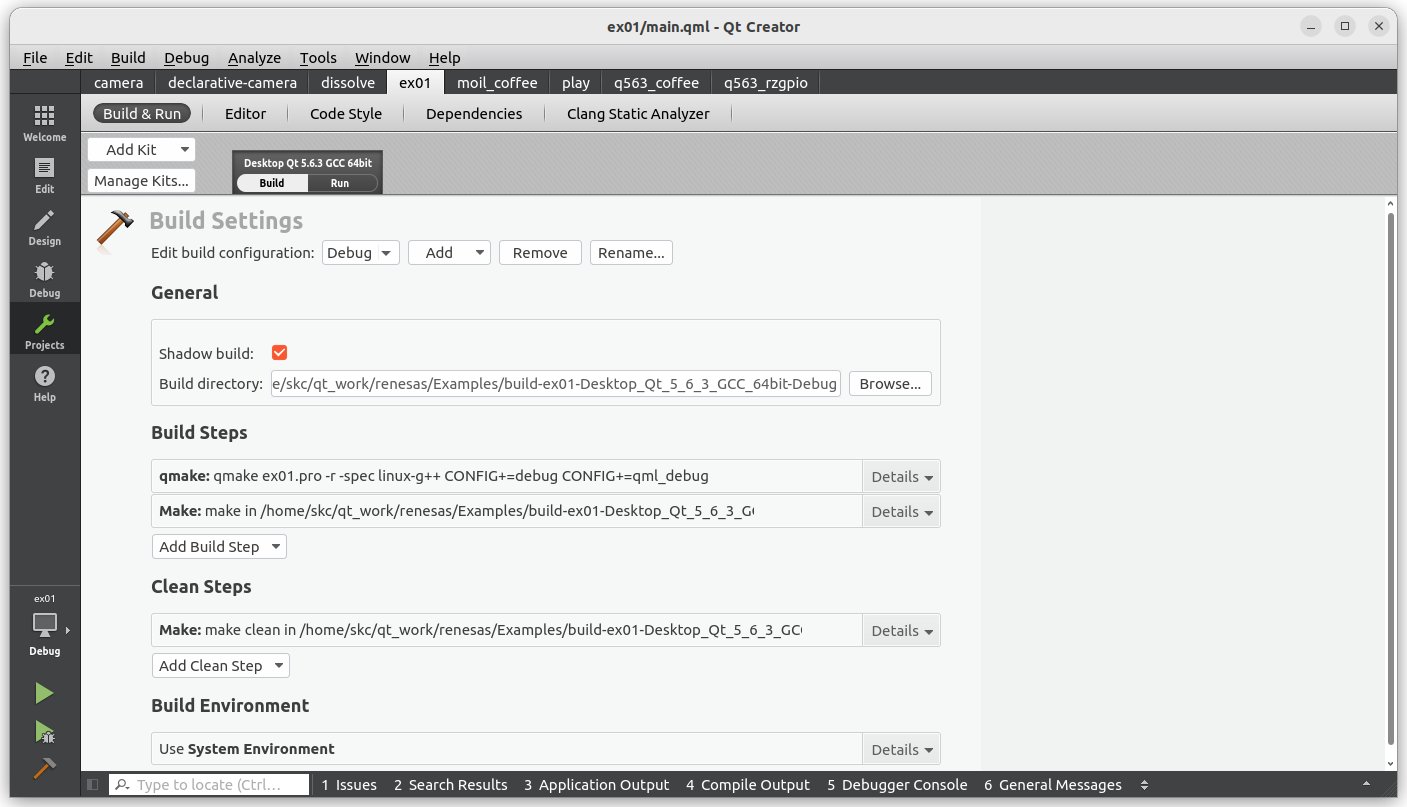
Click on Add Kits, RZ/G2L on the upper-left
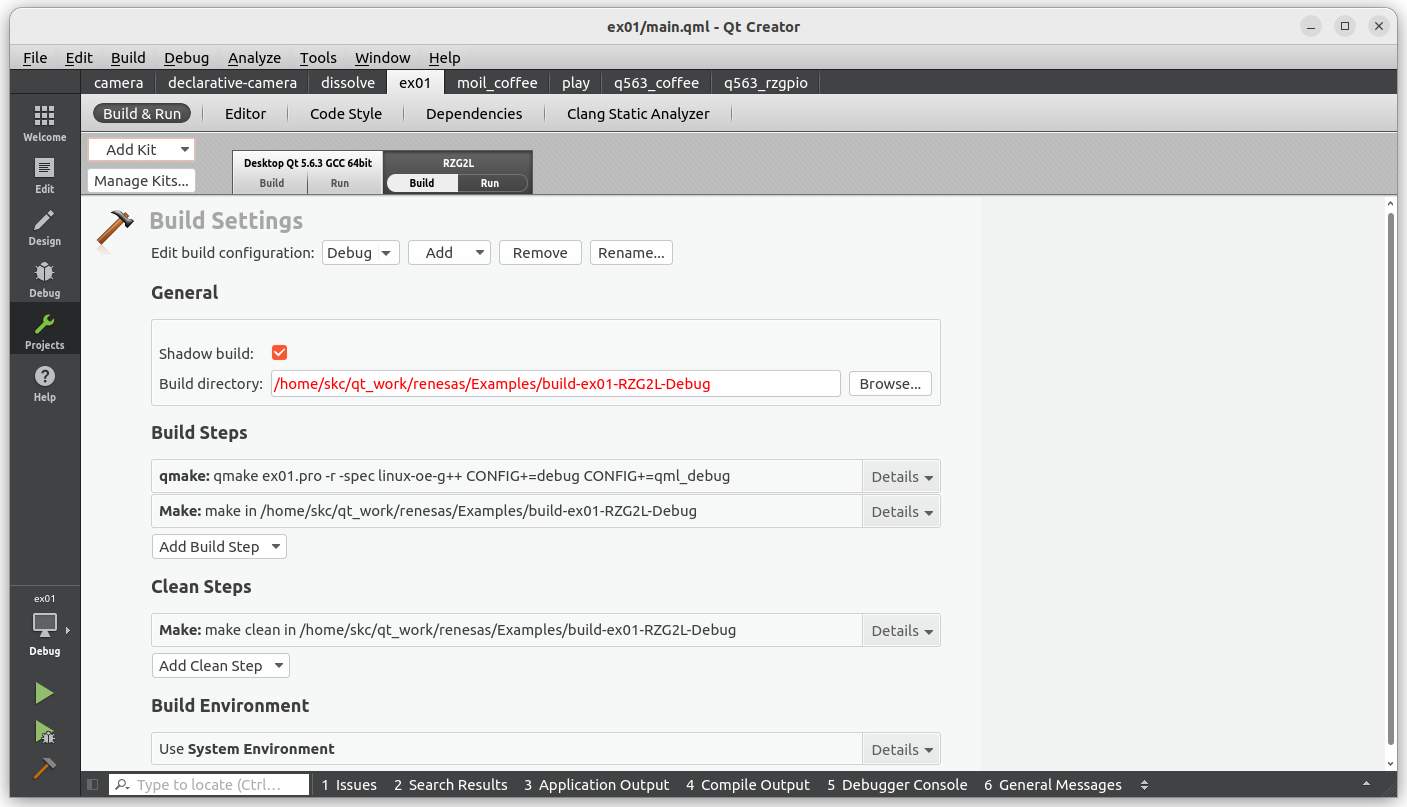
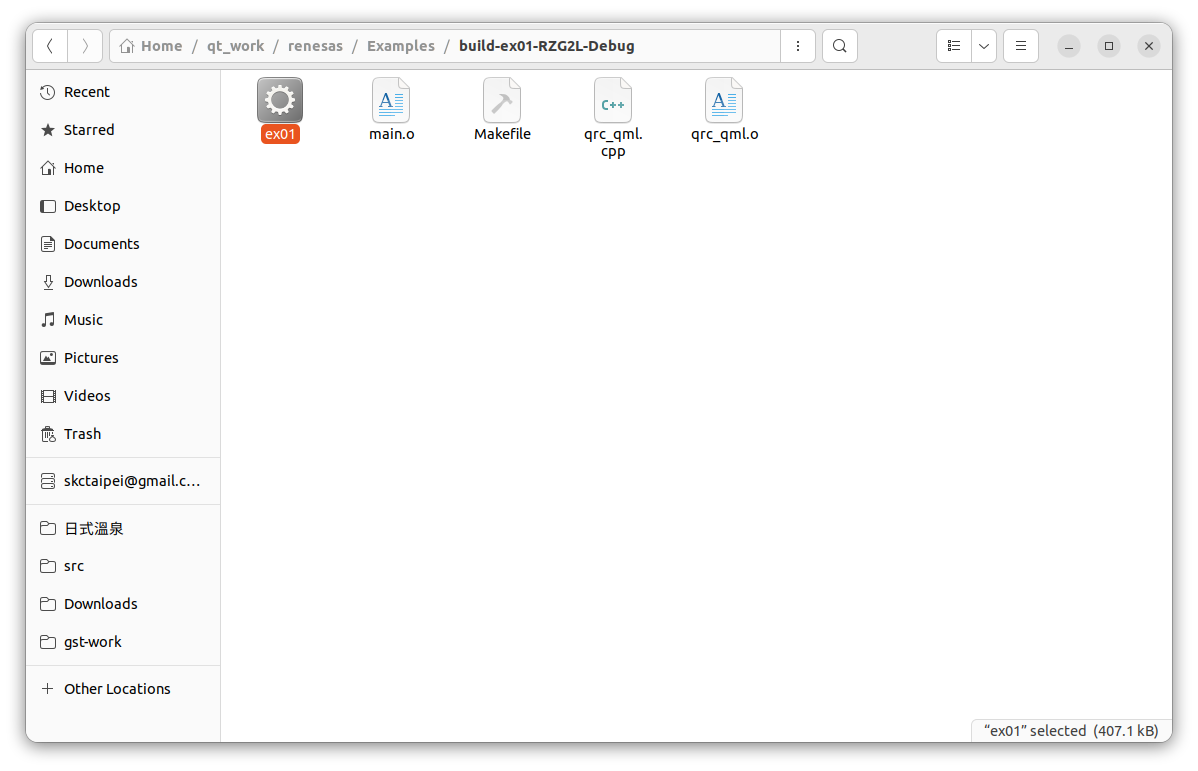
Click on build button on the lower-left corner, the generated executables would be in the folder,
build-ex01-RZG2L-Debug/ex01
Please send to RX/G2L for execution with the scp command,
Running in Renesas RZ/G2L
The Linux image built with core-image-qt parameter is already come with ssh and scp functions, Since the newer version SSH client on PC will in default perhibit the ssh-rsa algorithm, so you may encounter error messages when you connect to RZ/G2L. This issue can be resolve by adding additional parameter in the command, for example,
ssh -v -oHostKeyAlgorithms=+ssh-rsa root@192.168.0.216
or, edit ~/.ssh/config,
vim ~/.ssh/config
add the followings
Host *
 ServerAliveInterval 10
 HostKeyAlgorithms +ssh-rs
 PubkeyAcceptedKeyTypes +ssh-rsa