2-4 Preparing gst-plugins-bad Project for Yocto Compilation
Clone the project,
git clone https://github.com/yourskc/gst-plugins-bad.git
if you intent to modify as your own copy, fork the repository, and remember to set the commit ID corresponding to your copy before the Yocto build.
Check out the appropriate branch:
git checkout RCAR-GEN3e/1.16.3
git branch
The above cloned repository is ready to used
for the Yocto build in the next section.
You can skip the remaining description and jump to the next section if you just want to use the
Or, if you want to modify the source code mentioned in the previous 2-3 section - "gst-plugins-bad-dev" project, you need to do
the remaining steps.
Perform the steps,
- Copy
gstequirectangular.candgstequirectangular.hunder gst/geometrictransform/
in the development project 'gst-plugins-bad-dev' into the corresponding directory in 'gst-plugins-bad' project.
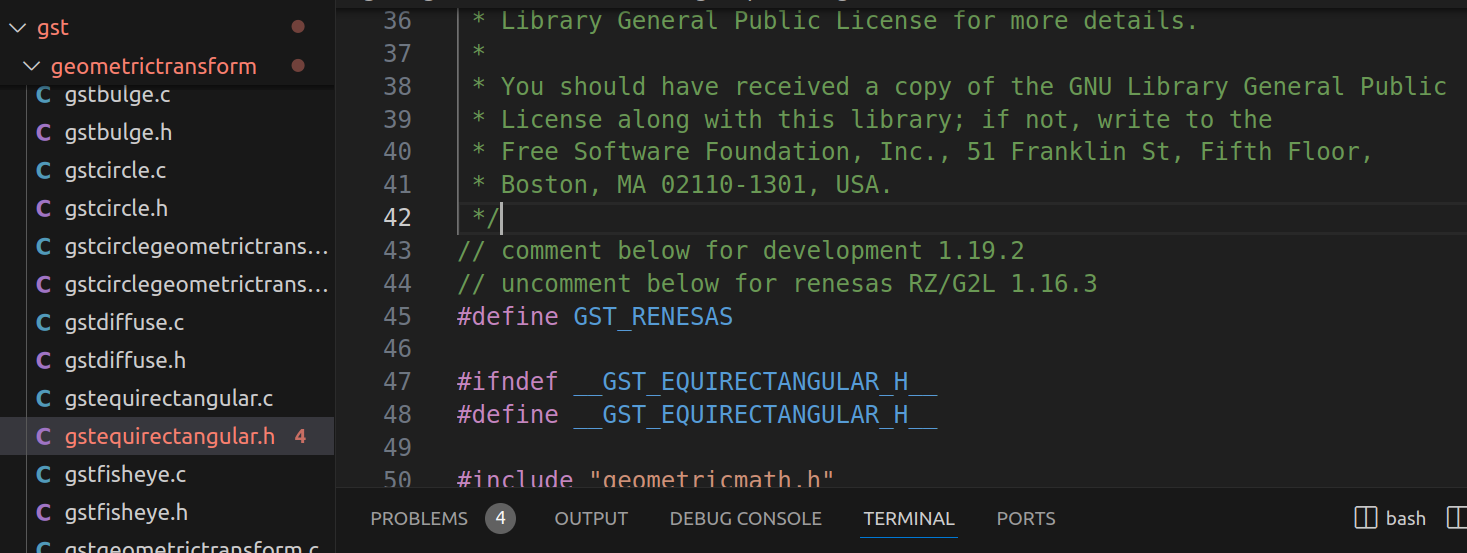
- Uncomment the
#define GST_RENESASdefinition line in the source program.
- Commit, push and remember the commit ID
git commit -m "comment"
git push
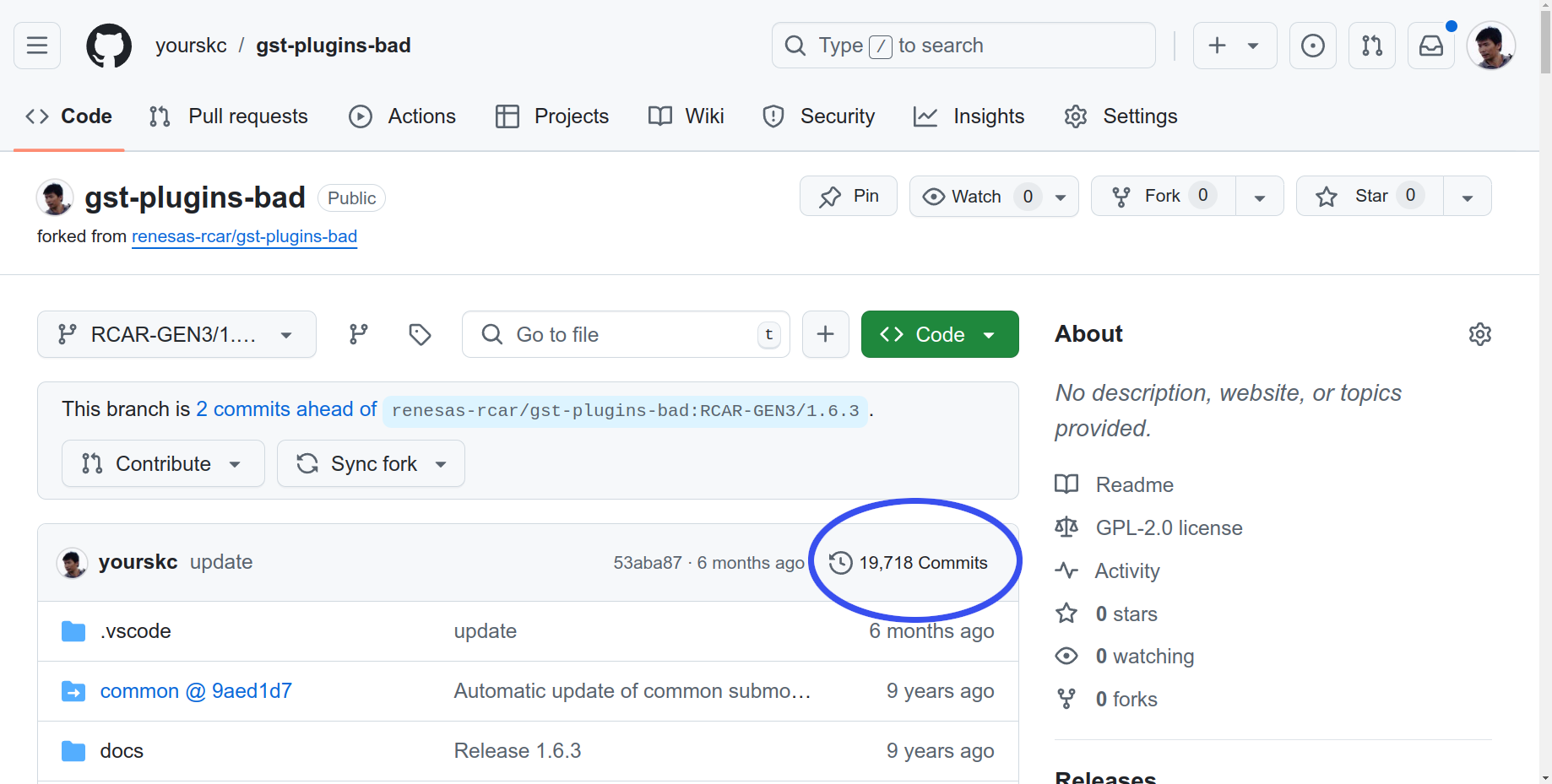
Get the commit ID in for folder:
cat .git/refs/heads/RCAR-GEN3e/1.16.3
or, on the below Github page,
In the upper-right corner of the file list, click on the nnn Commits, there is
Since the project in section 2-3 is build with Meson build. However, this project is build with GNU Automake
The build commands are as below,
./autogen.sh
make
This project is depend on some other packages. If you
would like to try to build the project, we would suggest
you try the compile process in Ubuntu 20.04.
However, since we already verify the corressness of the
programs in the previous 2-3 section. We also can skip
the build process in this stage.
Compare to the original official gst-plugins-bad project,
our project added equirectangular.c and .h files, and also
midified some related sources. If you wish to add more
new functions, You should also modify those files accordingly.