4-1 Indroduction
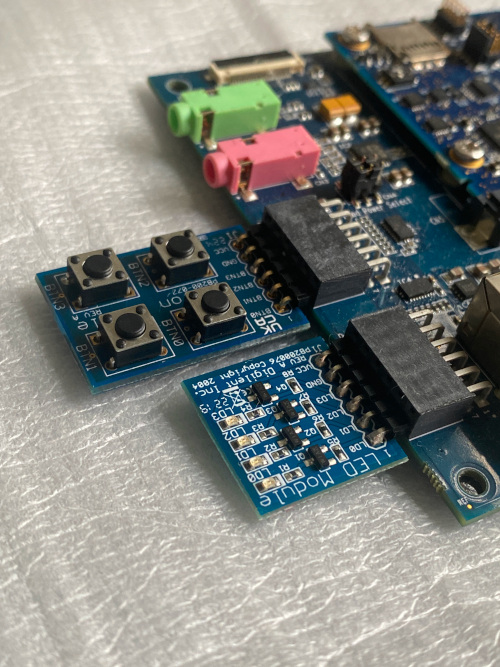
In this chapter, we will show you how to perform tests and develop program to control the GPIO hardware pins of Renesas RZ/G2L under the Linux environment
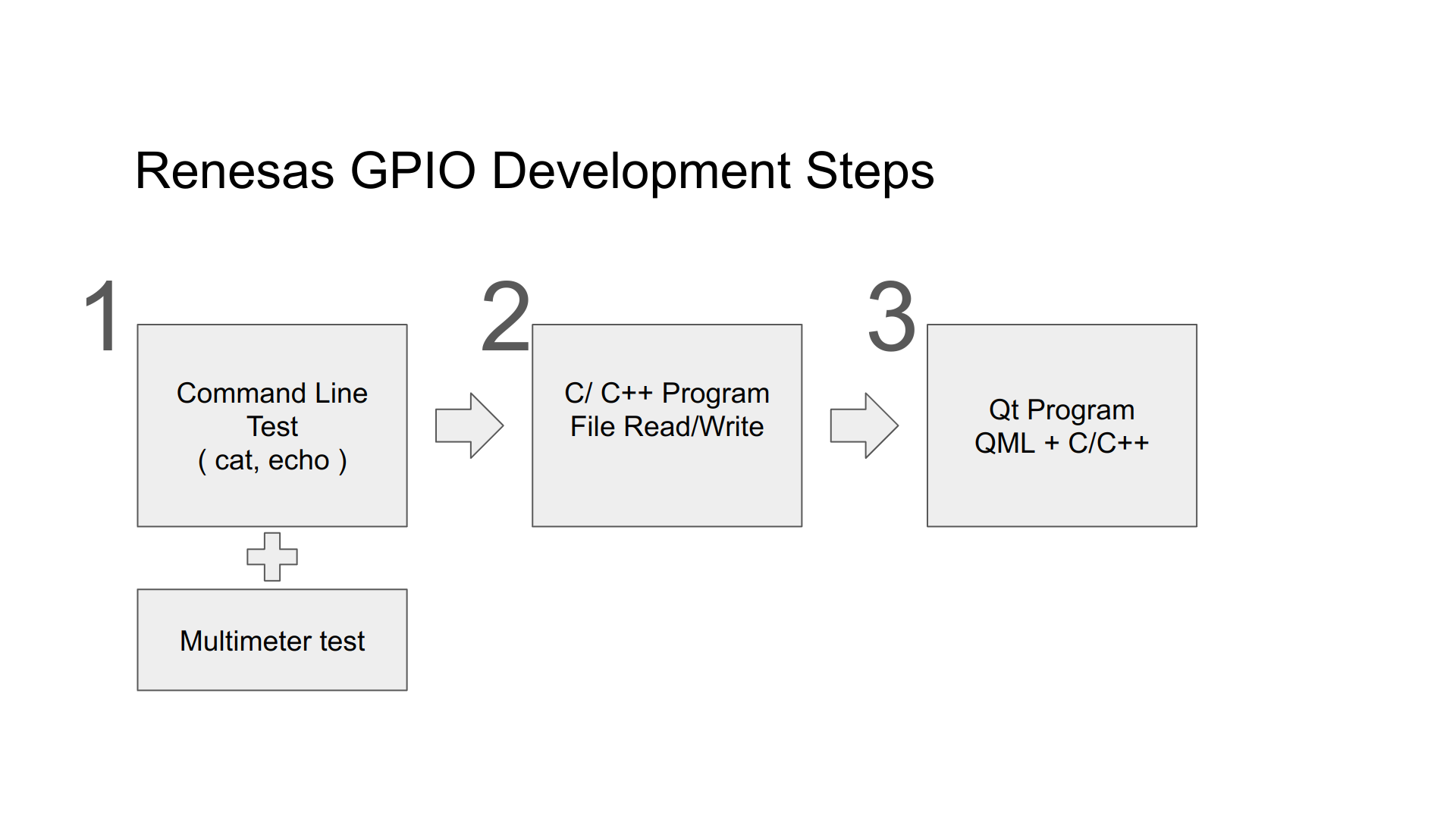
The below is the steps, we'll check if the hardware can be access properly first, then write those procedure as C/C++ programs. Finally, for the integration with our system, we'll write the code using Qt/QML.
Please reference the below document to understand how the use Linux Sysfs. In Linux, we usually control I/O pin through the read/write of some specific files. We also need to follow the command sequence.
Our first step is to use 'echo' command to write value and use 'cat' command to show the content of a file. we will write all of the commands as a program after the command-line test. The below is the Renesas official document,
RZ/G Verified Linux Package (5.10-CIP)
Under "Related Document", Click on the item:
For RZ/G2L Group
RZ/G2L,Five,V2L Group BSP Manual Set (RTK0EF0045Z9000AZJ-v3.0.6.zip) (ZIP)
or directly download by the below link,
Decompress the file " RTK0EF0045Z9006AZJ-v3.0.6.zip", find the below GPIO document,
r01us0488ej0109-rz-g_GPIO_UME.pdf